
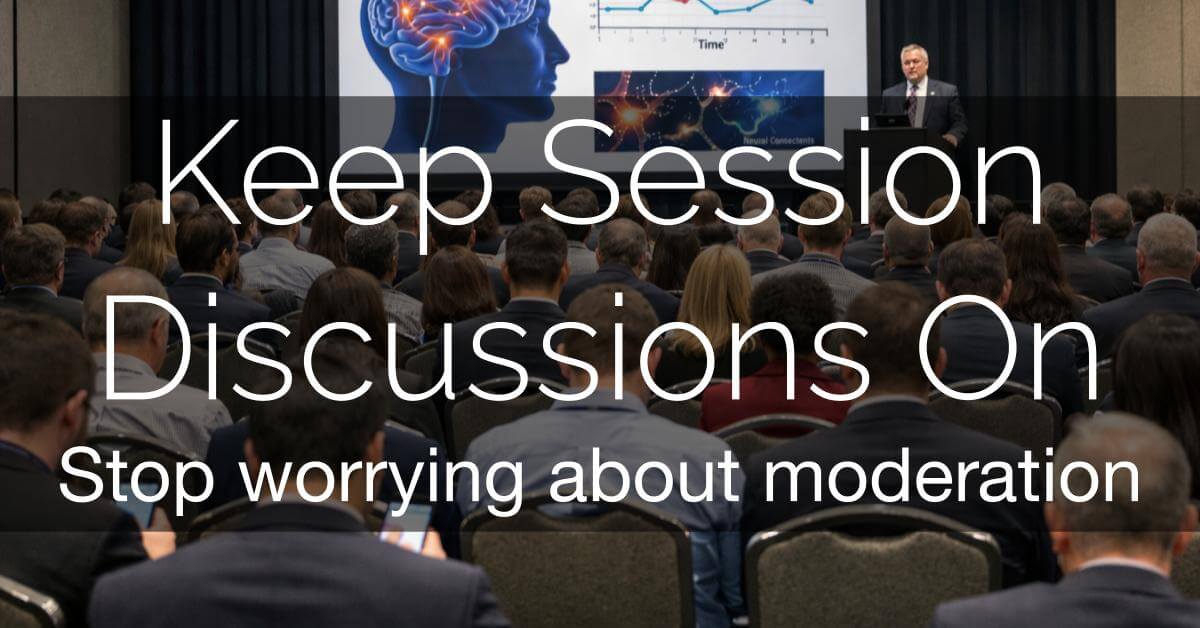
To Moderate or Not? Why Disabling Session Chat is Costing Your Medical Meeting
As a medical or scientific meeting planner, your “to-do” list is already overflowing. Between managing faculty disclosures, coordinating poster sessions, and ensuring the AV doesn’t fail during a keynote, the idea of adding “Chat Moderator” to your job description feels like a breaking point.
It’s tempting to simply toggle that “Discussion” button to OFF. You might think, “We don’t have the staff to watch for trolls,” or “What if someone posts something unprofessional?”
But here is the reality: By silencing the chat, you aren’t just avoiding a chore – you are stifling the very reason people attend scientific meetings: the exchange of ideas. Here is why it’s time to stop worrying and embrace the session discussion.
1. Take Advantage of the “Reputation” Safety Net
Scientific and medical communities are small. Unlike public social media platforms where anonymity breeds “trolls,” your event is a closed ecosystem.
-
Verified Identity: Only logged-in, registered attendees can participate. There is no “hiding” behind a handle.
-
Professional Stakes: In this industry, your name is your brand. Attendees are there to network with peers and potential employers. The risk of posting something unprofessional, which is permanently tied to their professional profile, is incredibly low.
2. Rely on Crowdsourced Moderation (The “Flag” Factor)
You don’t need a dedicated staffer sitting in every session. Tools like EventPilot empower your attendees to maintain the community standard for you.
-
Flag as Spam: If a comment is off-topic or inappropriate, attendees can flag it instantly.
-
Automated Alerts: Organizers receive an immediate email notification if a comment is flagged. You only need to step in if a problem actually arises, rather than monitoring “just in case.”
3. Benefit from Mitigated “Viral” Risk
In a closed scientific ecosystem, the risks associated with public social media simply do not exist.
-
Private Containment: Unlike X (Twitter) or LinkedIn, these discussions are not indexed by search engines and cannot be shared with the general public with a simple click of a button. Any minor professional disagreement or “hiccup” stays strictly within the secure walls of your event app and your specific community.
-
Professional Discretion: Because the audience consists of peers who value their own reputations, they aren’t looking to “expose” a colleague; they are looking to solve a problem. This creates a natural buffer where a stray or awkward comment is ignored or scrolled past, rather than amplified to the world.
4. Amplify Your Best Content
When a discussion is lively, it shouldn’t stay buried in a single session room. EventPilot pushes session comments into the Activity Feed, creating a “FOMO” (Fear Of Missing Out) effect.
- Drive Engagement: When attendees see a flurry of insightful questions or “Aha!” moments in the main feed, they are more likely to join that session or watch the recording later. It turns your program from a static schedule into a living, breathing conversation.
5. Deepen Speaker Engagement (Pre- and Post-Event)
The Q&A microphone in a physical room can be intimidating, and the best questions often come to mind hours after the speaker has stepped off the stage.
-
Automated Speaker Notifications: With EventPilot, speakers are automatically notified via email whenever a user posts in their session chat. This removes the “black hole” of digital comments.
-
Ongoing Dialogue: Because speakers are alerted, they can jump in to answer a complex question while it’s fresh. This sparks communication that begins before the session and continues long after the meeting has concluded, turning a 30-minute presentation into a long-term professional connection.
6. Support Community Building and Networking
Scientific meetings are built on collaboration. Turning session discussions OFF limits the networking connections that attendees prioritize.
-
Connect Niche Interests: Highly specialized sessions attract focused audiences. When attendees post questions, others working in the same area can quickly identify peers with aligned interests for potential research collaboration or referrals.
-
Lower the Barrier to Engagement: A session discussion provides a structured starting point for those uncomfortable with in-person introductions. A thoughtful comment can naturally lead to a private follow-up message or professional introduction.
7. Gain Critical Insights for Future Planning
Session discussions are not just engagement tools. They provide practical intelligence that can strengthen your next meeting.
- Identify High-Interest Topics: When certain sessions generate more comments, follow-up questions, or extended exchanges, it signals strong audience interest. This helps planners see which subject areas resonate most, beyond standard attendance counts. Engagement depth often reveals more than room size alone.
- Spot Emerging Trends: Repeated themes in session discussions highlight knowledge gaps or emerging research areas. This insight can guide abstract categories, refine session formats, and inform future speaker invitations based on real-time feedback.
The Bottom Line
Disabling session discussions doesn’t just save you a task – it removes a layer of value from your event. In a world of digital fatigue, participation is the antidote. By trusting your professional community and leveraging automated moderation and speaker alert tools, you can foster a high-energy environment without adding a single hour to your staff’s workload.
Keep the discussion ON. Let the science speak for itself.
Learn more about networking tools in EventPilot or see all the features available in the EventPilot conference app.